Service 05 / 06
Automation & workflows
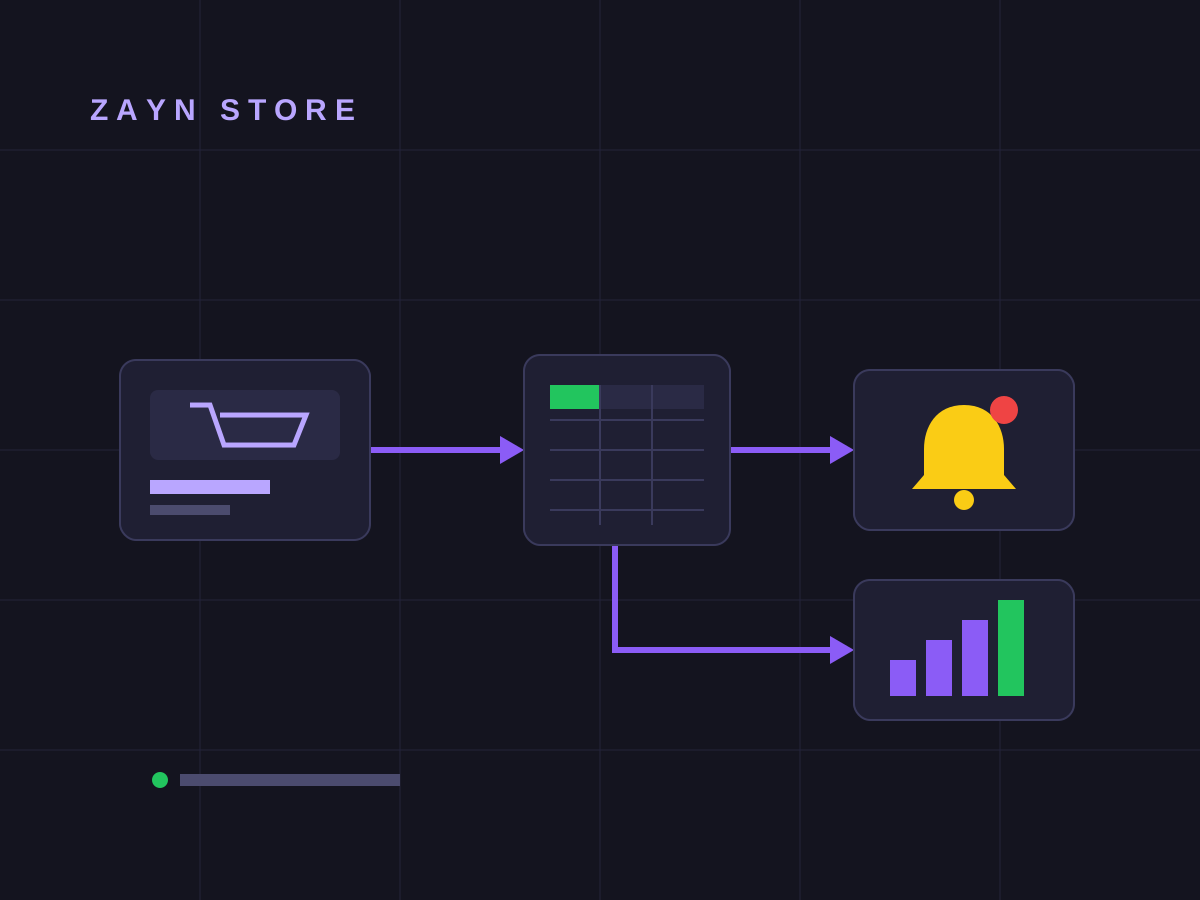
We connect your tools and automate repetitive tasks: orders, messages and reports move on their own, and you focus on the work that matters.
Is it for you
A good fit if…
You copy data by hand between sheets, messages and apps.
Orders or messages get lost because everything goes through one person.
You want ready-made reports without compiling them every week.
Deliverables
Fewer tasks, more time.
We start by understanding your work and finish with a system that runs and a team that knows how to use it.
- 01
Task audit
We map the repetitive tasks with you and pick what’s worth automating.
- 02
Workflow map
A clear picture of what happens automatically, and when.
- 03
Tool integration
Website, sheets, email and messaging connected together.
- 04
Alerts and reports
Instant notifications and reports that build themselves.
- 05
Testing
Every path tried before going live.
- 06
Training and documentation
A walkthrough for your team and a written guide for each workflow.
The route
Four stops from idea to launch.
- 01
Discover
We watch how you work today and find where time is lost.
Duration: 2–3 days - 02
Plan
The workflow map and the right tools.
Duration: 3–5 days - 03
Design & build
Building and connecting, with every path tested.
Duration: 1–3 weeks - 04
Launch
Go-live, training and follow-up.
Duration: 2–3 days
Related work
Automation we’ve delivered
FAQ
Questions about automation
Do I need technical knowledge?
No. We build the system and explain it to your team in plain language.
Which tools do you use?
We choose based on your needs and budget: Google Sheets, forms, integration tools such as Make or n8n, and custom solutions when needed.
Is my data safe?
We work with the least access possible, accounts and data stay in your name, and every connection is documented.
What if my business changes later?
Workflows can be adjusted or extended, and we offer follow-up after go-live.
Didn’t find your answer? Message us on WhatsApp
Start a project
Let’s automate your work.
Four short steps, with “Automation & workflows” already selected for you.